

Magento
Open Source 2.4.9 GA (and later 2.4.x).
Category Manager lets you manage your whole category tree as a CSV — export every category, edit it in a spreadsheet (names, URL keys, active/menu flags, descriptions, SEO meta), and re-import to update existing categories or create new ones in one pass. It’s the fast way to restructure a large catalogue or hand category content to someone who lives in Excel.
Install Category Manager with Composer using your AgenticEcom licence key (find it on your My Licences page — one key unlocks every module you own):
# 1. Register the AgenticEcom repository (once per store)composer config repositories.agenticecom composer https://repo.agenticecom.netcomposer config --global --auth http-basic.repo.agenticecom.net <YOUR-LICENCE-KEY> x
# 2. Require this modulecomposer require agenticecom/module-category-manager
# 3. Apply itphp bin/magento setup:upgrade && php bin/magento setup:di:compile && php bin/magento cache:flushMagento
PHP
Round-trip
Robust
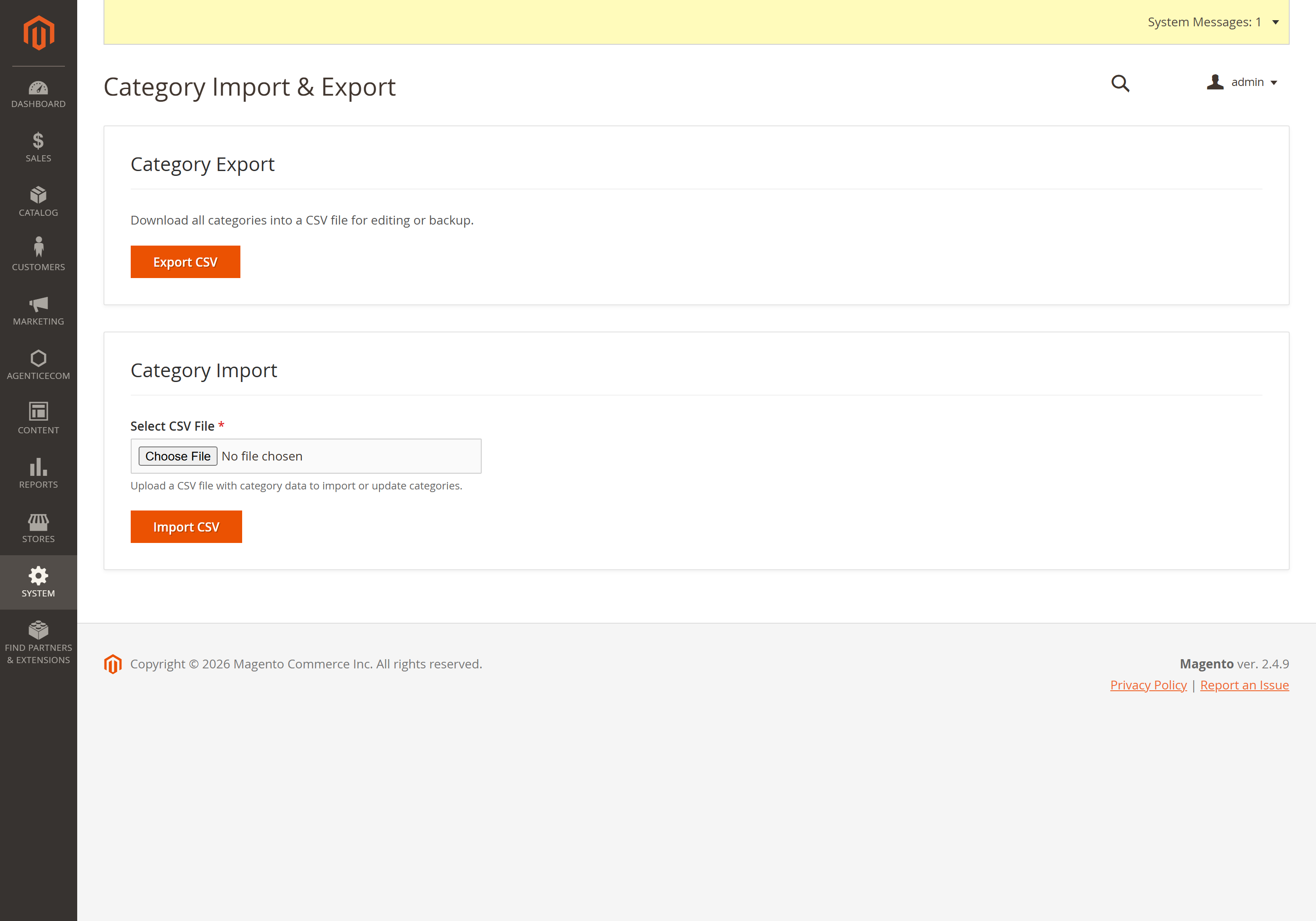
System → Data Transfer → Category Import & Export → Export CSV to download every category. (It sits with Magento’s other data-transfer tools, under the System menu.)
Edit in a spreadsheet. To update a category, keep its category_id; to create one,
leave category_id blank and set the parent_id.
Import CSV to apply — existing IDs are updated, blank-ID rows are created.
One row per category; the export produces exactly these columns:
category_id,parent_id,name,url_key,is_active,include_in_menu,description,meta_title,meta_keywords,meta_description12,2,Outdoor,outdoor,1,1,"Everything for the outdoors","Outdoor Gear","","",2,New Arrivals,new-arrivals,1,1,"","","",""| Column | Meaning |
|---|---|
| category_id | The category to update. Leave blank to create a new category. |
| parent_id | The parent category (defaults to the root catalog when creating). |
| name | Category name (required). |
| url_key | SEO URL key. |
| is_active / include_in_menu | 1/0 flags. |
| description, meta_title, meta_keywords, meta_description | Content & SEO fields. |
Export, edit the name / parent_id columns in a spreadsheet, and re-import. Keeping each
row’s category_id means it updates that exact category rather than creating a duplicate.
Yes — leave category_id blank and set parent_id to the parent. The import creates the
category under that parent (defaulting to the root catalog if no parent is given).
It’s skipped. A row whose column count doesn’t match the header is ignored so it can’t crash the import, and the valid rows still apply.
The import and export are behind the AgenticEcom_CategoryManager::import_export ACL resource,
so only authorised admins can run them. Verified clean on PHP 8.4 and 8.5.