

Magento
Open Source 2.4.9 GA (and later 2.4.x).
Blog Pro turns your Magento store into a full content platform: write posts in a rich editor (or generate them with AI), organise them with categories, tags and authors, collect moderated comments, and rank with built-in SEO. It renders on a standard Luma storefront and serves a headless (Astro) storefront through a complete GraphQL + REST API.
Install Blog Pro with Composer using your AgenticEcom licence key (find it on your My Licences page — one key unlocks every module you own):
# 1. Register the AgenticEcom repository (once per store)composer config repositories.agenticecom composer https://repo.agenticecom.netcomposer config --global --auth http-basic.repo.agenticecom.net <YOUR-LICENCE-KEY> x
# 2. Require this modulecomposer require agenticecom/module-blogpro
# 3. Apply itphp bin/magento setup:upgrade && php bin/magento setup:di:compile && php bin/magento cache:flushMagento
PHP
Storefront
AI (optional)
Enable the blog: Stores → Configuration → AgenticEcom · SEO & Content → Blog Pro → General → Enable Blog = Yes, and set your Blog Route (default blog). Everything else lives under Content → Blog Pro (Posts, Categories, Tags, Authors, Comments, Import & Export, AI Writer).
Go to Content → Blog Pro → Posts → Add New Post.
Enter a Title, URL Key and Content (or use the AI Writer to generate everything from the title). Set Enable = Yes.
Assign Categories, Tags and an Author, add a Featured Image, then Save Post.
Visit your blog at /<blog route> (default /blog) — or query it from a headless storefront by URL key.
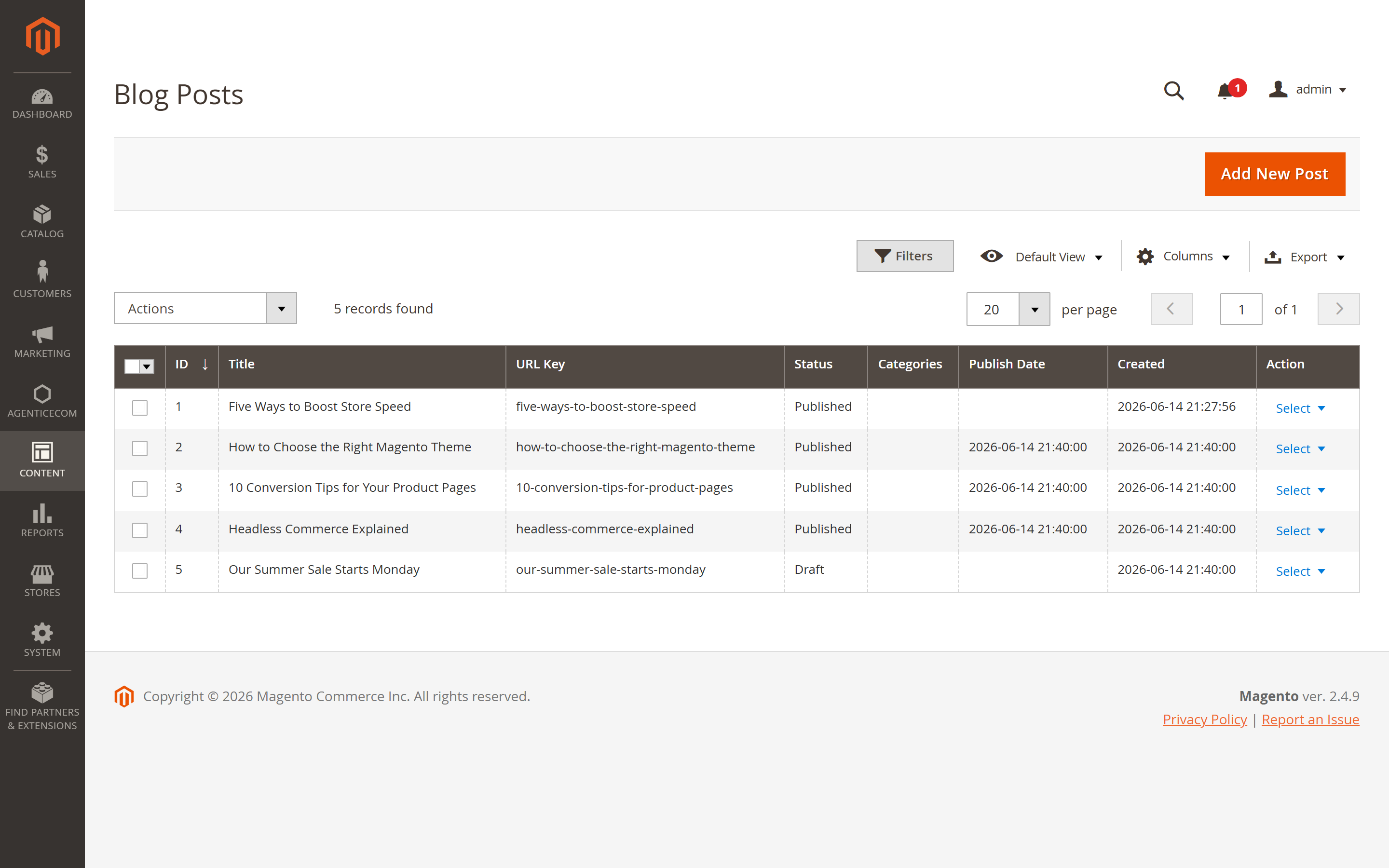
Content → Blog Pro → Posts lists every post with its ID, Title, URL Key, Status, Categories, Publish Date and Created date. Filter, search, sort, and use the Actions menu for mass Enable / Disable / Delete and Auto-interlink.
Open a post (or Add New Post). The editor is organised into tabs:
Assign the post to one or more blog categories — this drives the blog navigation, category landing pages and breadcrumbs.
Generate a complete, EEAT-optimised post — body HTML, meta title/description, short description, Open Graph metadata — and a featured image, from just a title.
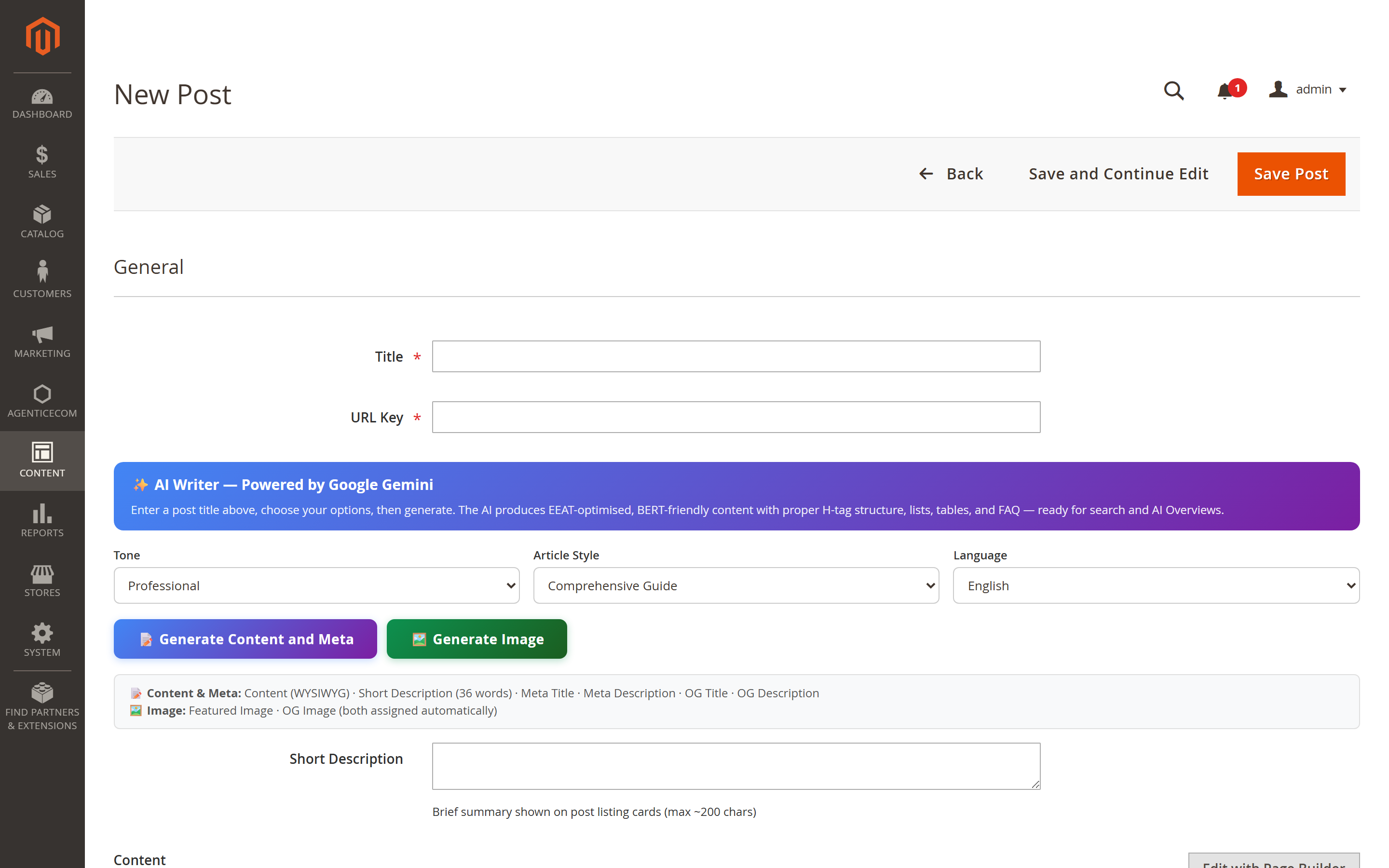
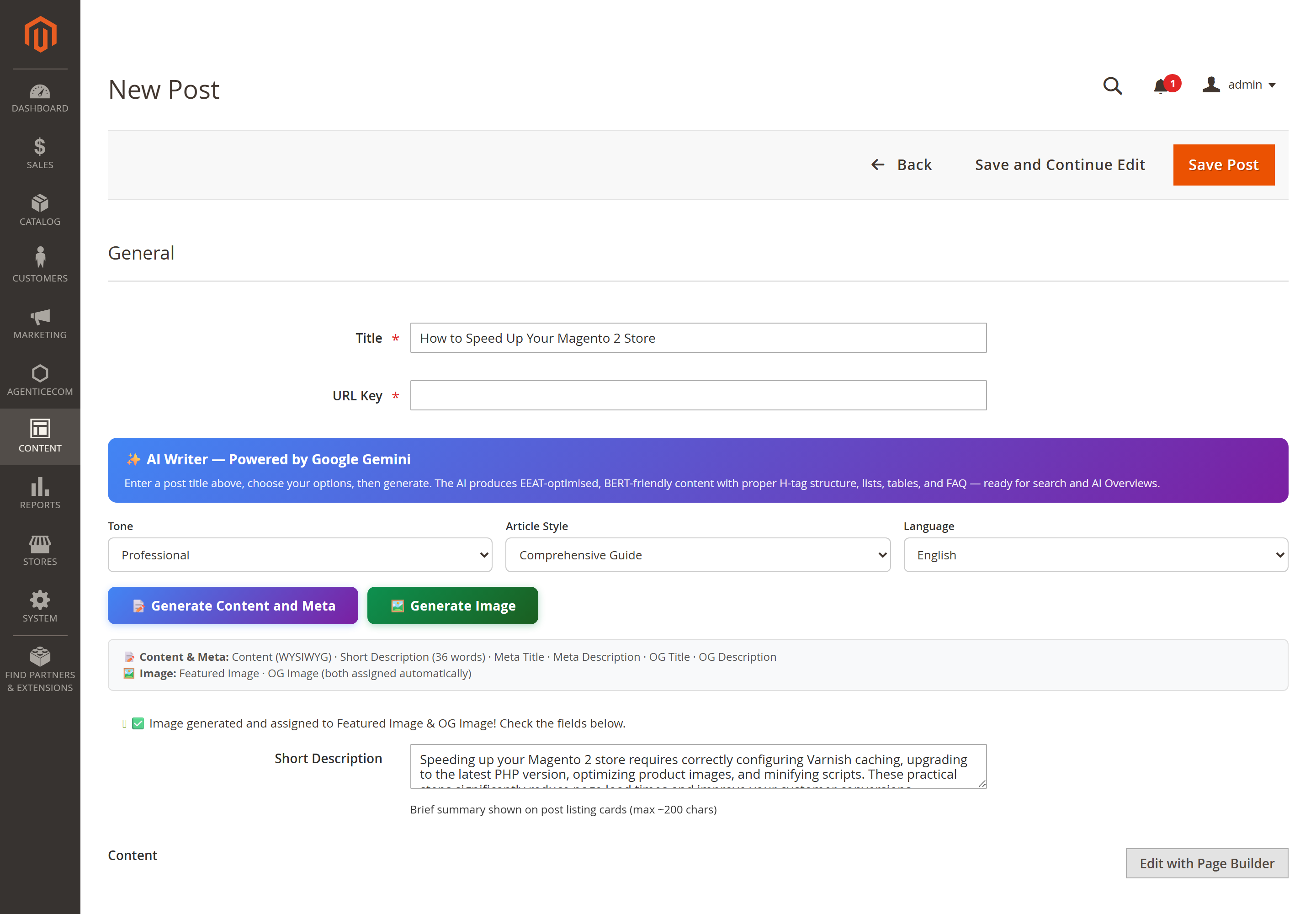
Enter a Title, choose Tone, Article Style and Language, then click Generate Content and Meta (body, meta and short description) and Generate Image (a featured image, auto-assigned to the Featured Image and OG Image fields):
Configure it under Configuration → Blog Pro → AI Writer:
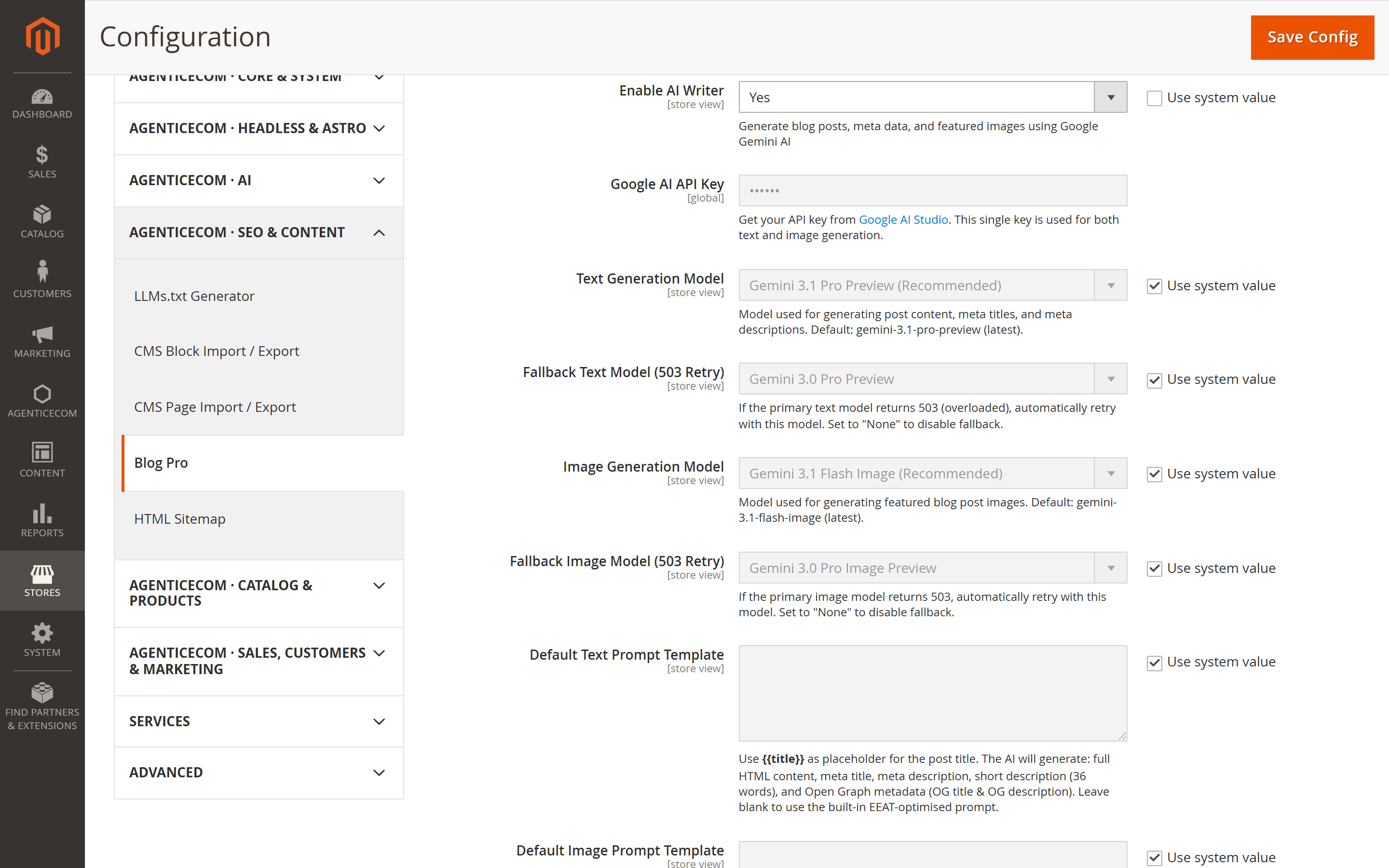
gemini-3.1-pro-preview).gemini-3.1-flash-image).503 (overloaded). Set “None” to disable.{{title}}); leave blank for the built-in EEAT-optimised prompts.Content → Blog Pro → Categories — hierarchical categories that build your blog navigation and category landing pages.
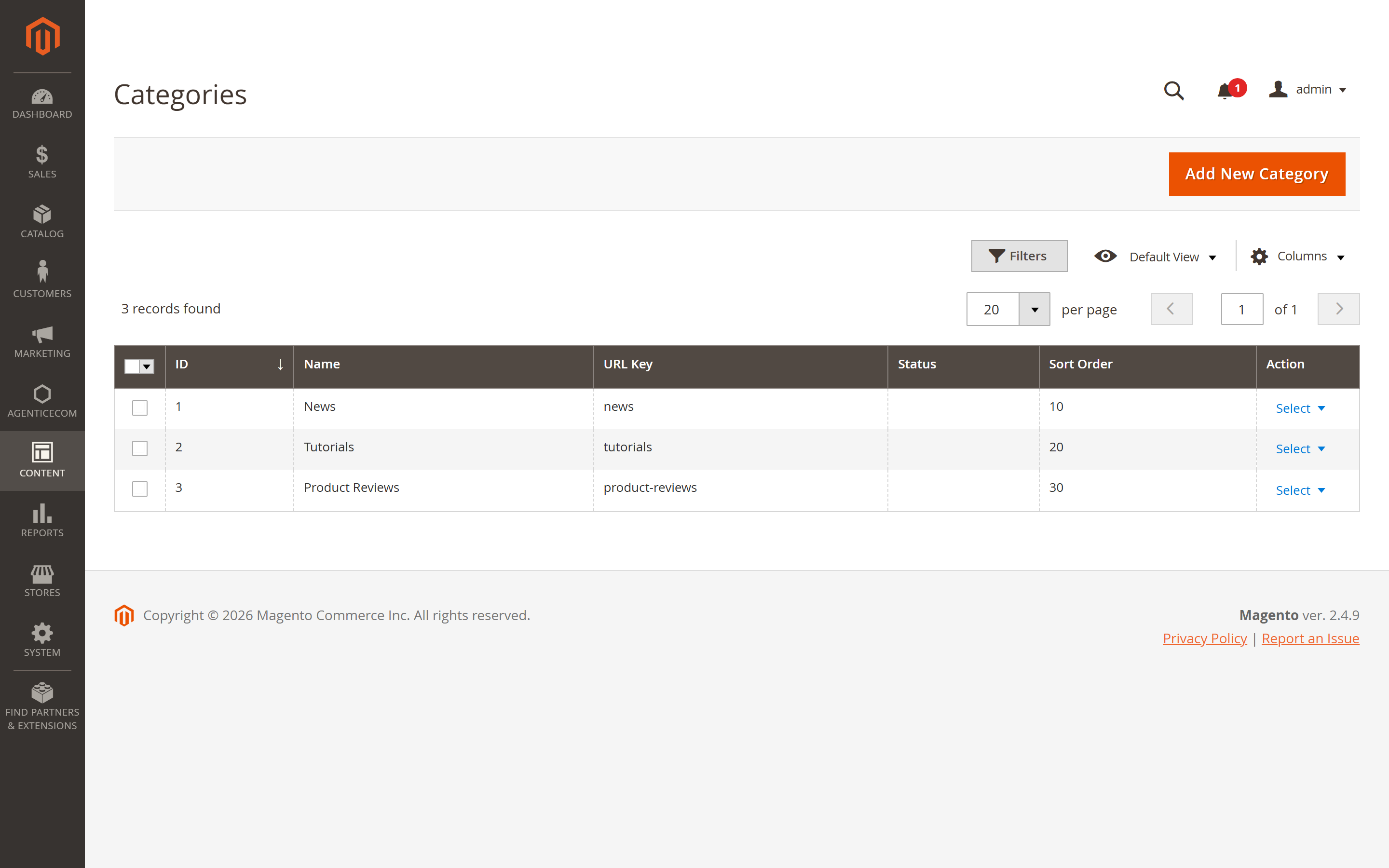
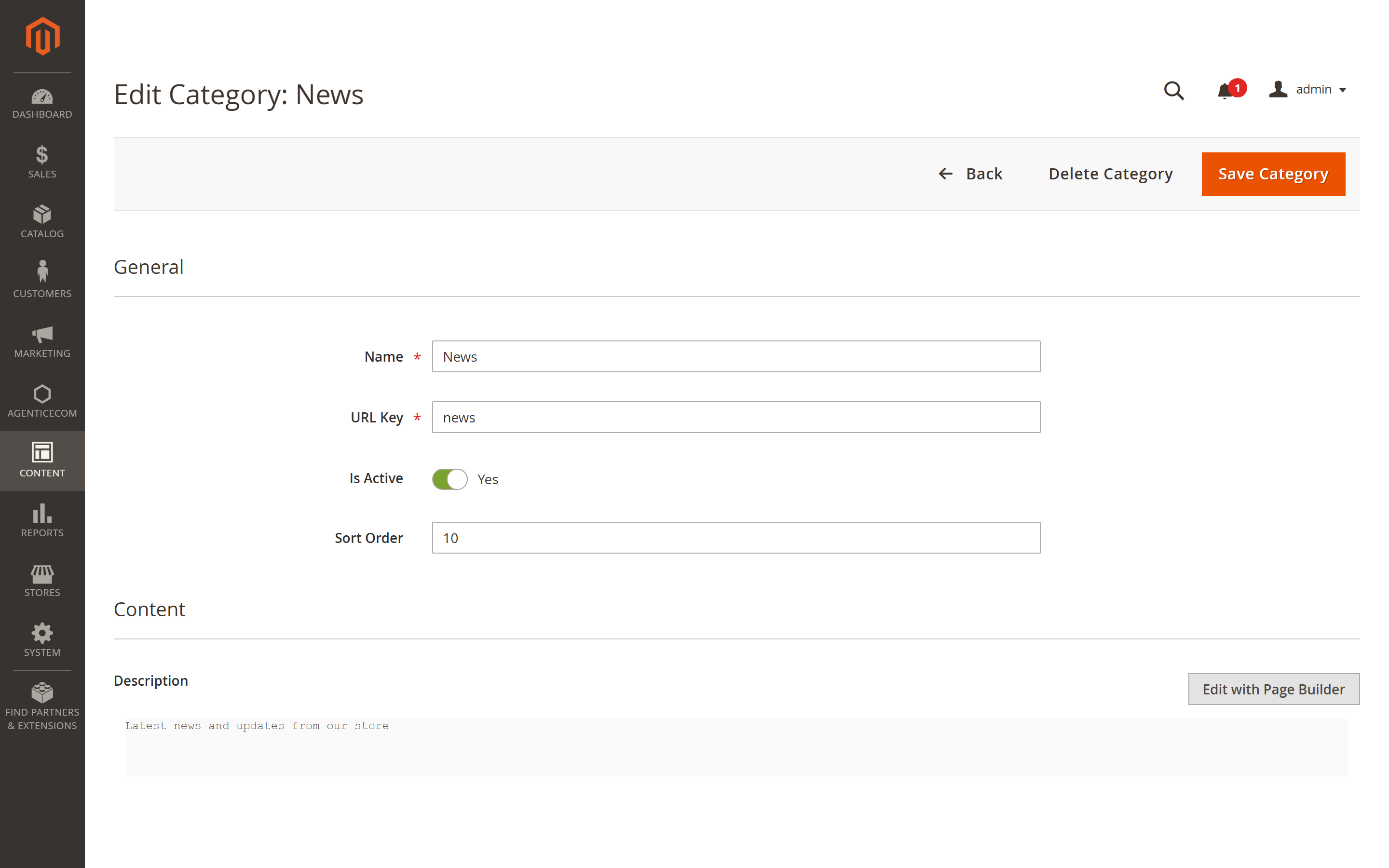
Each category has:
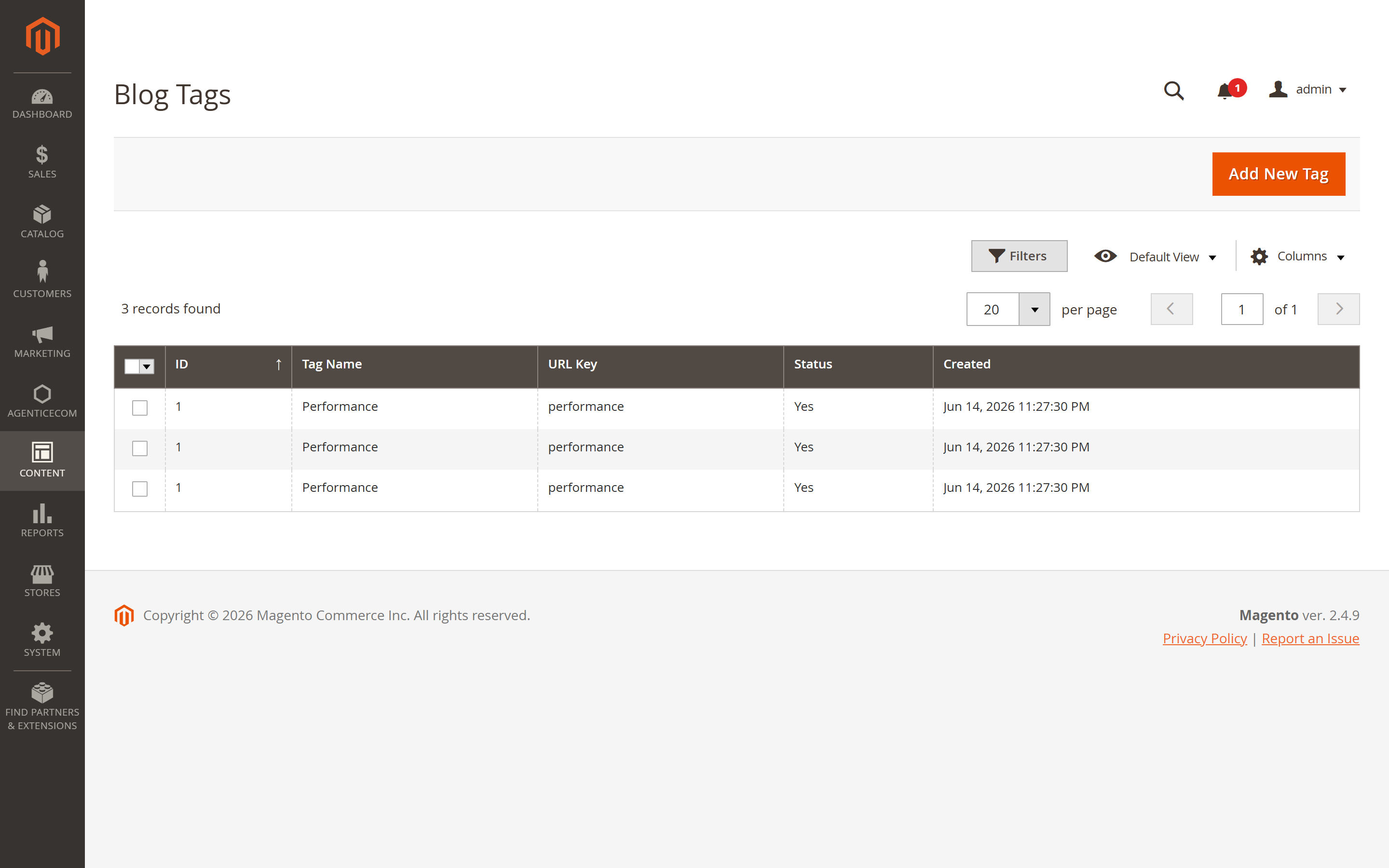
Content → Blog Pro → Tags — lightweight, cross-cutting labels with their own archive pages and an optional tag-cloud sidebar widget. Each tag has a Name, URL Key, Is Active and its own meta fields.
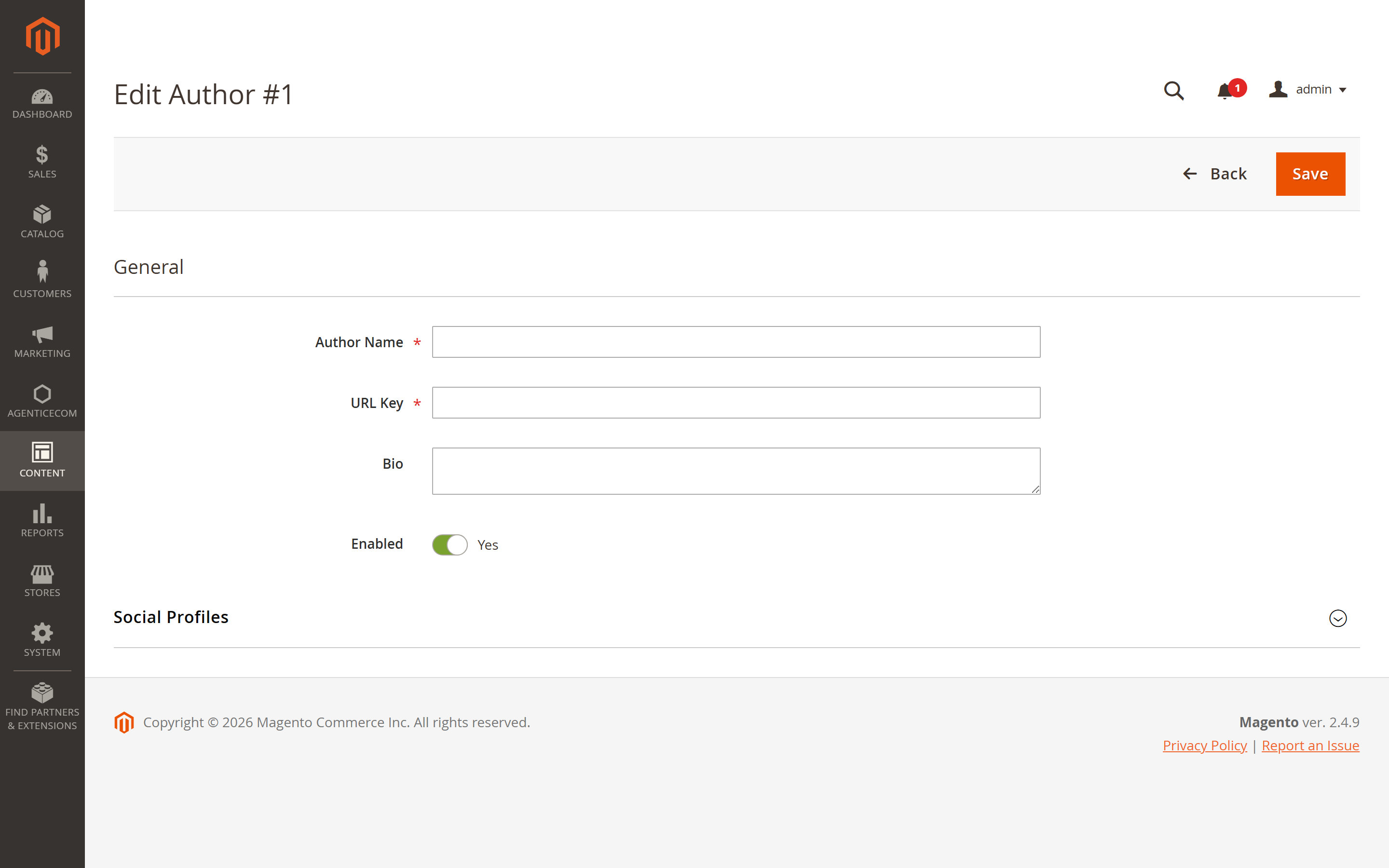
Content → Blog Pro → Authors — author profiles that power bylines and (optionally) public author pages listing each author’s posts.
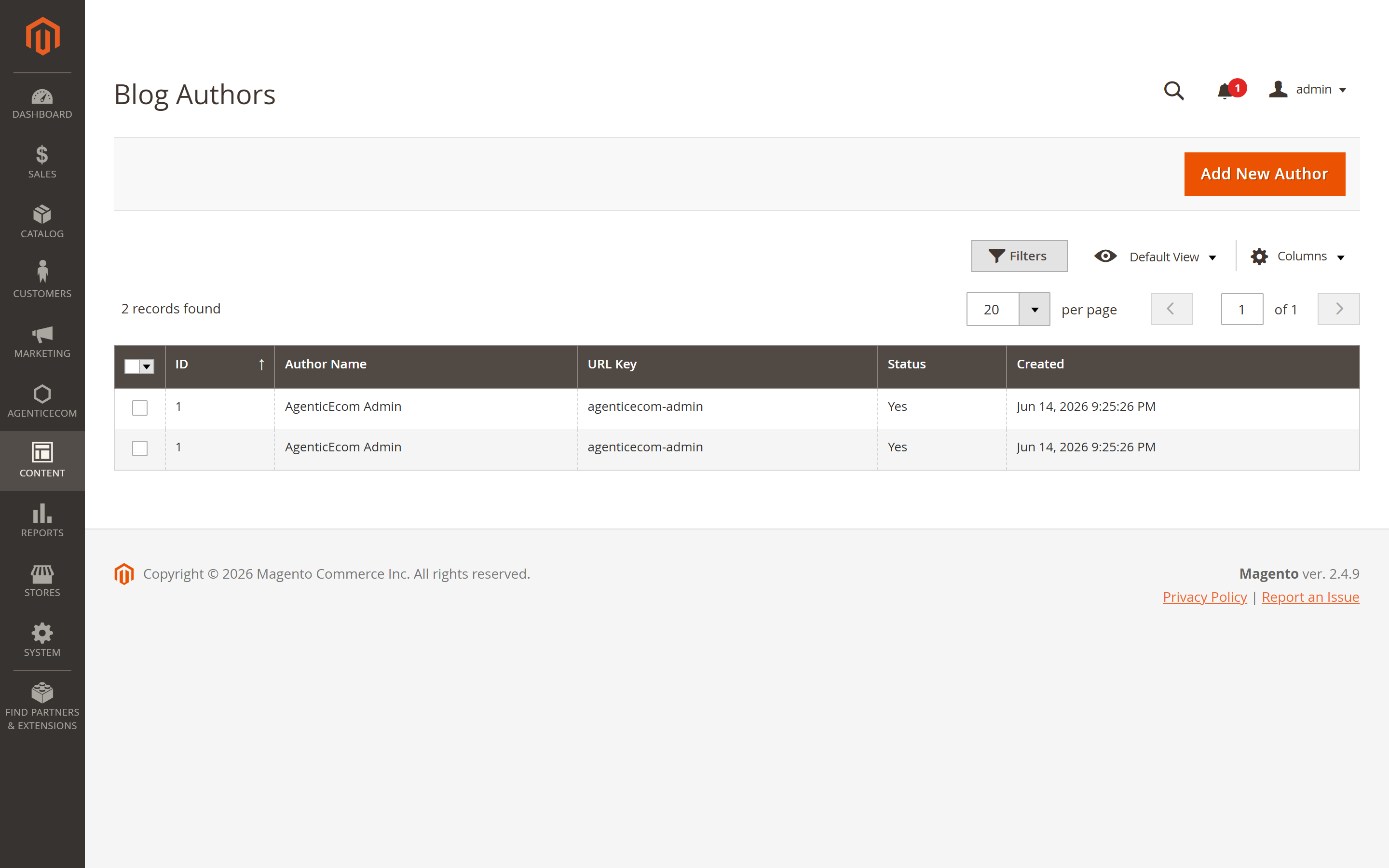
Each author has a Name, URL Key, Bio and Avatar, plus per-section robots control for the author page.
Threaded comments with full moderation. Moderate from Content → Blog Pro → Comments — approve, reject or delete individually or in bulk.
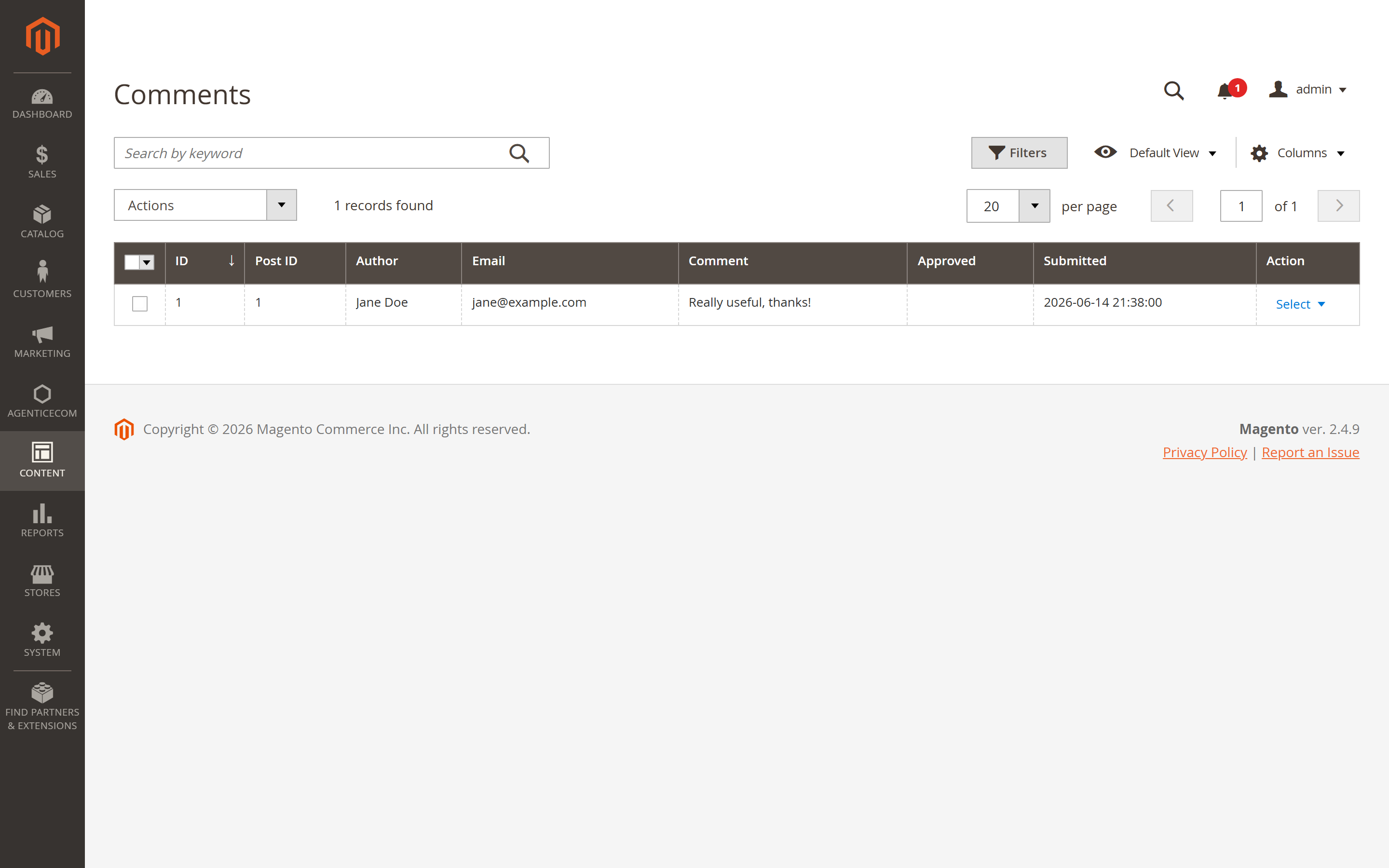
Configure behaviour under Configuration → Blog Pro → Comments:
On a headless storefront, comments are posted with the addBlogComment mutation and respect
the same enable/moderation settings.
The blog renders at your configured route (default /blog) with a listing page, category
and tag archives, author pages and a sidebar — all driven by the settings below.
Under Configuration → Blog Pro → Design & Layout:
Under Configuration → Blog Pro → Post View Page:
Toggle and order each block under Configuration → Blog Pro → Sidebar Widgets:
| Widget | Options |
|---|---|
| Search | enable, sort order |
| Categories | enable, show post count, max depth, sort order |
| Recent Posts | enable, show image, number of posts, sort order |
| Popular Posts | enable, number of posts, sort order |
| Archive | enable, sort order |
| RSS Feed | enable, feed title, feed description |
Show related blog posts on product pages (enable + number) — and the reverse, products related to a post — so a PDP can surface relevant articles and an article can surface the products it discusses.
Blog Pro is built for ranking. Under Configuration → Blog Pro → Search Engine Optimization:
BlogPosting schema.org markup for rich results.And under XML Sitemap: include posts and categories, each with their own frequency and priority.
Configuration → Blog Pro → Permalink Settings controls the entire URL structure:
blog → /blog), with an optional 301 redirect from /blog/ to /blog..html)./blog/category/news/my-post-style permalinks.URL rewrites are written automatically when posts and categories are saved (via commit-after observers), so links resolve on the storefront without a custom router.
bin/magento agenticecom:blog:import-wp /path/to/wordpress-export.xml --store-id=1 (add --dry-run to preview first). Posts, categories and tags are mapped to Blog Pro entities.A standards-compliant RSS 2.0 feed is published at /<blog route>/feed/rss (e.g.
/blog/feed/rss) when the RSS widget is enabled — set the feed title and description in
Sidebar Widgets → RSS Feed.
The full blog is available over GraphQL (with a REST subset for SSG):
# List posts (paginated, filterable, sortable){ blogPosts(pageSize: 10, currentPage: 1) {    items { post_id title url_key status content_json excerpt            featured_image reading_time views_count created_at            author { name } categories { name url_key } tags { name } }    total_count} }
# Single post with everything for a detail page{ blogPost(url_key: "headless-commerce-explained") {    title content_json status meta_title og_image    author { name } categories { name } tags { name }    related_posts { title url_key } comments_count} }
Also available: blogCategories, blogCategory, blogTags, blogAuthors, blogSearch,
blogWidgetPosts(type: RECENT|FEATURED|POPULAR|RELATED_TO_PRODUCT|RELATED_TO_CATEGORY), blogRoute(url_key) (resolve a
slug to its entity), and reverse lookups blogPostsByProduct / blogPostsByCatalogCategory.
# Post a comment (respects enable + moderation settings)mutation { addBlogComment(    post_id: 1, author_name: "Jane", author_email: "jane@example.com",    content: "Great article!") { success message comment { comment_id status } } }
# Increment a post's view countermutation { trackBlogPostView(post_id: 1) { success } }
GET /V1/blog/posts → all posts (for static generation)GET /V1/blog/post/{urlKey} → a single postGET /V1/blog/categories → all categoriesStores → Configuration → AgenticEcom · SEO & Content → Blog Pro
| Group | Settings |
|---|---|
| ⚡ AI Auto-Configure | One-click optimal defaults for the whole module |
| General | Enable Blog · Blog Title · Posts Per Page · Date Format · Display Author / Views / Reading Time / Publication Date |
| AI Writer | Enable · Google AI Key · text/image models + fallbacks · prompts · auto-generate meta/image · image aspect ratio/resolution · brand colours · default tone/style/language |
| Design & Layout | Index/Post/Category page layouts · Grid/List mode · short-content length · featured-image width/height · lazy-load |
| Post View Page | Related posts (number, auto) · related products (number) · prev/next · reading-progress bar (colour, height) |
| Comments | Enable · moderation · auto-approve registered · guest comments · counts · nested replies · GDPR checkbox · admin notification + email + sender |
| Author Settings | Display author info · enable author pages · default robots |
| Tag Settings | Default robots · tag cloud + count |
| Sidebar Widgets | Search · Categories (post count, depth) · Recent · Popular · Archive · RSS (title, description) — each with enable + sort order |
| Product Page Integration | Display related blog posts on product pages + number |
| Permalink | Blog/post/category/tag/author/search/archive routes + suffixes · no-slash redirect · categories-in-URL |
| SEO | Meta defaults · canonical · robots · Open Graph · JSON-LD structured data |
| Social Share | Enable + networks |
| Category Top Navigation | Show blog link · link text · include categories sub-menu |
| XML Sitemap | Include posts/categories with frequency + priority |
| Developer | Include blog CSS on all pages · custom CSS |
No. With the AI Writer enabled and a Google AI key set, you can generate the full post — body, meta, short description and a featured image — from just a title, then edit before publishing. The Topical Map can plan a whole cluster of posts for you.
Yes — use the WordPress import (Content → Blog Pro → Import & Export, or the
agenticecom:blog:import-wp <export.xml> --store-id=1 CLI command). Posts, categories and tags are
mapped across.
Yes. Set a future Publish Date on an enabled post; the publish cron makes it live automatically at that time.
Fully. Every entity is exposed over GraphQL (posts, categories, tags, authors, comments,
search, widgets, route resolution, product/category reverse-lookups), with a REST subset
for static generation. Posts include a content_json field for block-based rendering.
Yes — per-post meta with store defaults, canonical URLs, configurable robots, Open Graph
tags, JSON-LD BlogPosting structured data, XML-sitemap inclusion, and clean configurable
permalinks with automatic URL rewrites.
Admin actions are protected by a granular ACL tree (separate edit permissions per entity); the comment mutation validates and (optionally) moderates all input server-side; the Google AI key is stored encrypted; and the module is verified clean on PHP 8.4 and 8.5.